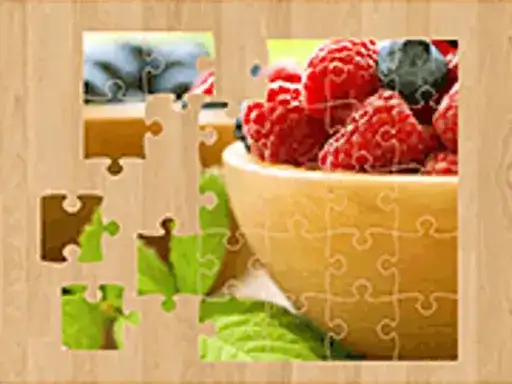
How to play
Jigsaw Puzzle hands you a scrambled image and a set of pieces to put back together. Drag a piece with the mouse and drop it where you think it belongs. The game uses different beautiful images, so every puzzle starts from a picture you rebuild piece by piece, and the developer describes it as a nice puzzle for all players. The goal is to complete the image, then share your result with friends.
Controls explained
The controls are simple: drag and drop pieces. Press the mouse button on a piece, hold it, move it across the board to its spot, then let go. Nothing else is needed to move a piece. Because the whole game runs on dragging, a mouse is the natural way to play it in the browser.
Tips
- Look at the whole picture before you move anything, so you know which shapes and colors belong together.
- Start with pieces that have a straight edge, since those form the border of the image.
- Sort pieces by color or pattern in your head, then place the ones that clearly match a section.
- Leave pieces that look alike for later, once the surrounding area is filled in and gives you a reference.
- Drag slowly near pieces you have already placed, so you do not knock a finished part out of position.
FAQ
What do I do in Jigsaw Puzzle? You drag pieces of an image and drop them into place until the picture is complete. The developer says you can then share your result with friends.
Do I need to install anything to play? No. The game runs free in your browser, and you play it with the mouse by dragging and dropping pieces.
Who is the game made for? The developer calls it a nice puzzle game for all players. It is also tagged as a kids and educational game, so younger players can enjoy it too.